
AI Connect for Dialpad
Dialpad calls, texts and the Dialpad Dialer inside HighLevel. AI turns answered calls and the Dialpad AI recap into key facts, tasks and draft follow-ups.
Media
Description
AI Connect for Dialpad joins Dialpad and HighLevel so answered calls become the next step on the right contact, without anyone typing it up.
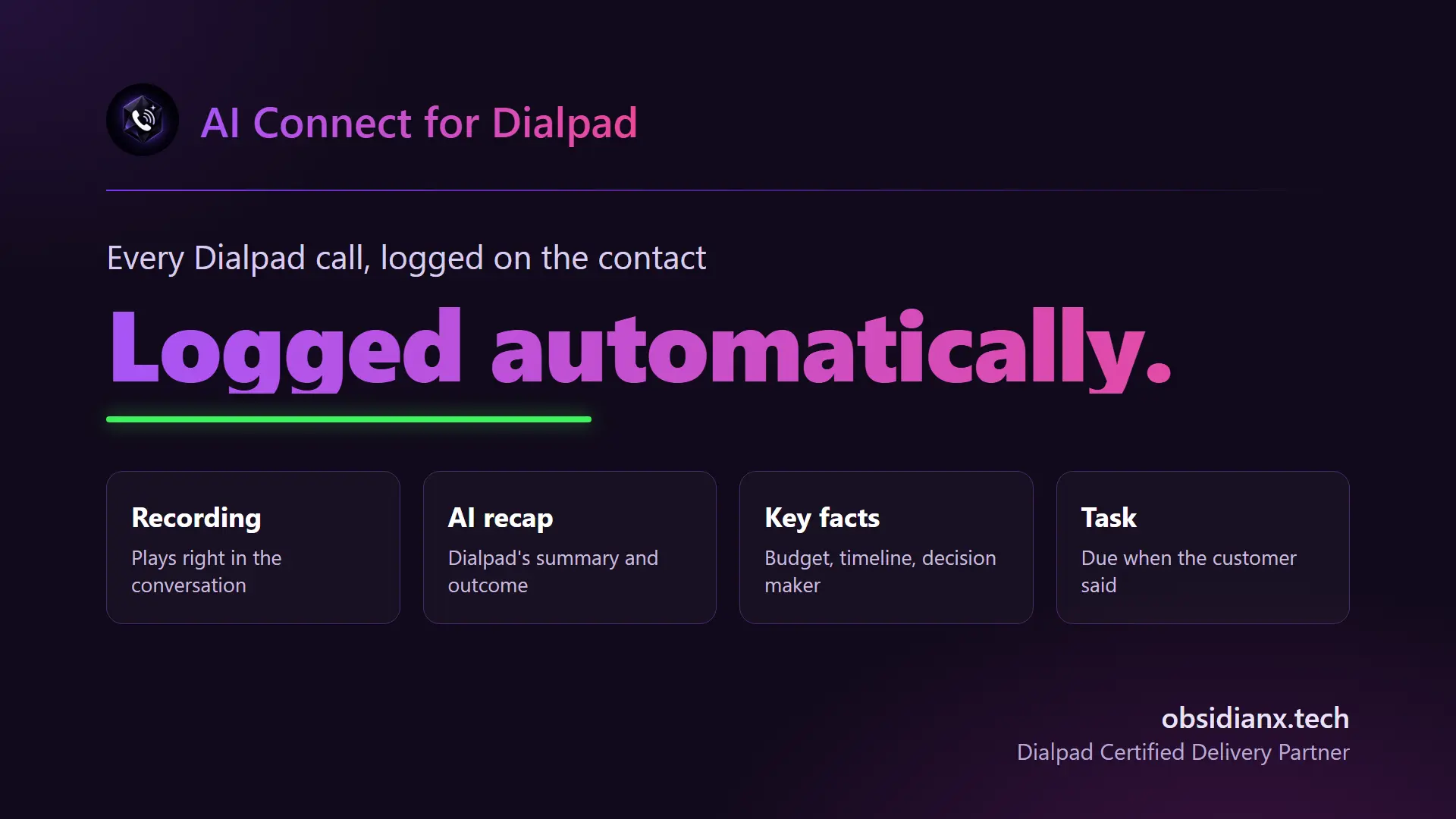
Every call, on the right contact. Inbound calls, outbound calls and voicemails log on the HighLevel contact with the recording, the Dialpad AI recap and a transcript link. New callers get a contact made from their number.
AI that works the call for you. On answered calls, AI pulls the key facts from the transcript when they come up (budget, timeline, decision maker, objections, competitor and next step) and adds intent and risk tags. Action items become HighLevel tasks for the rep who took the call, and the call outcome can move the deal to the right pipeline stage.
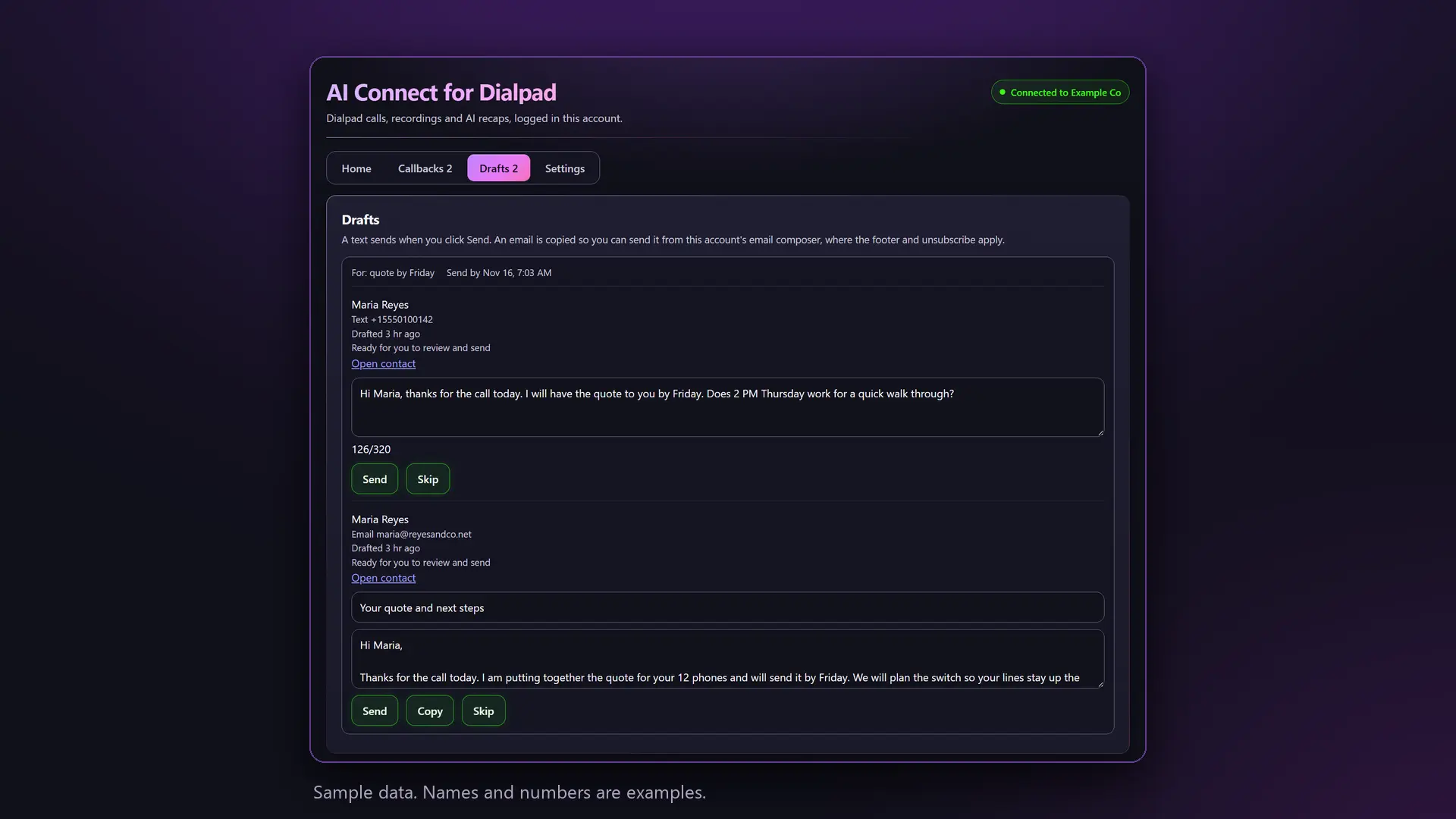
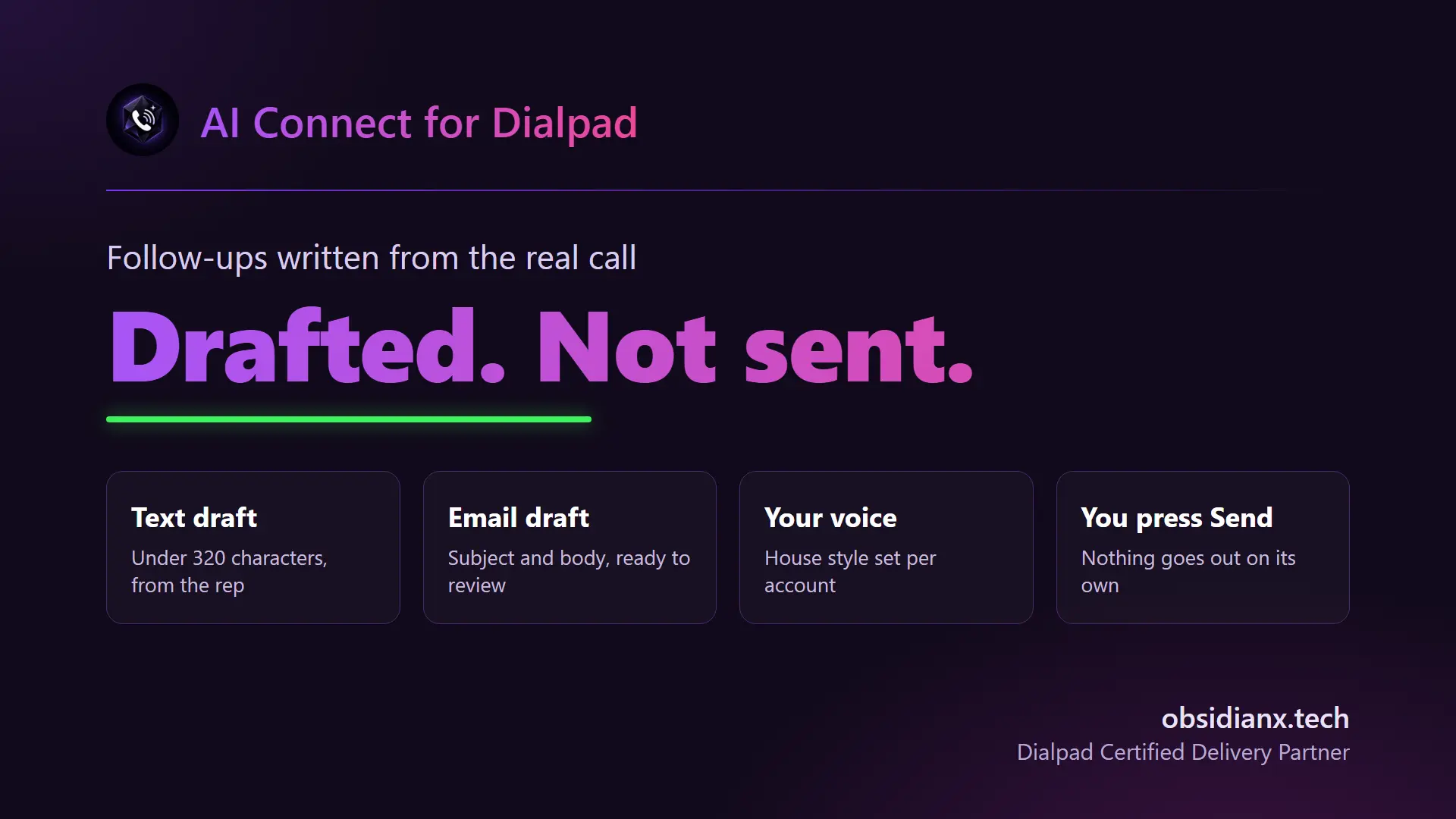
Follow-ups already drafted. After a call with a next step, AI drafts the follow-up text and the follow-up email from what was actually said, not from a template. The email ends with the rep's name, email and phone. The rep reviews, edits if needed and presses Send. Nothing goes out without a person.
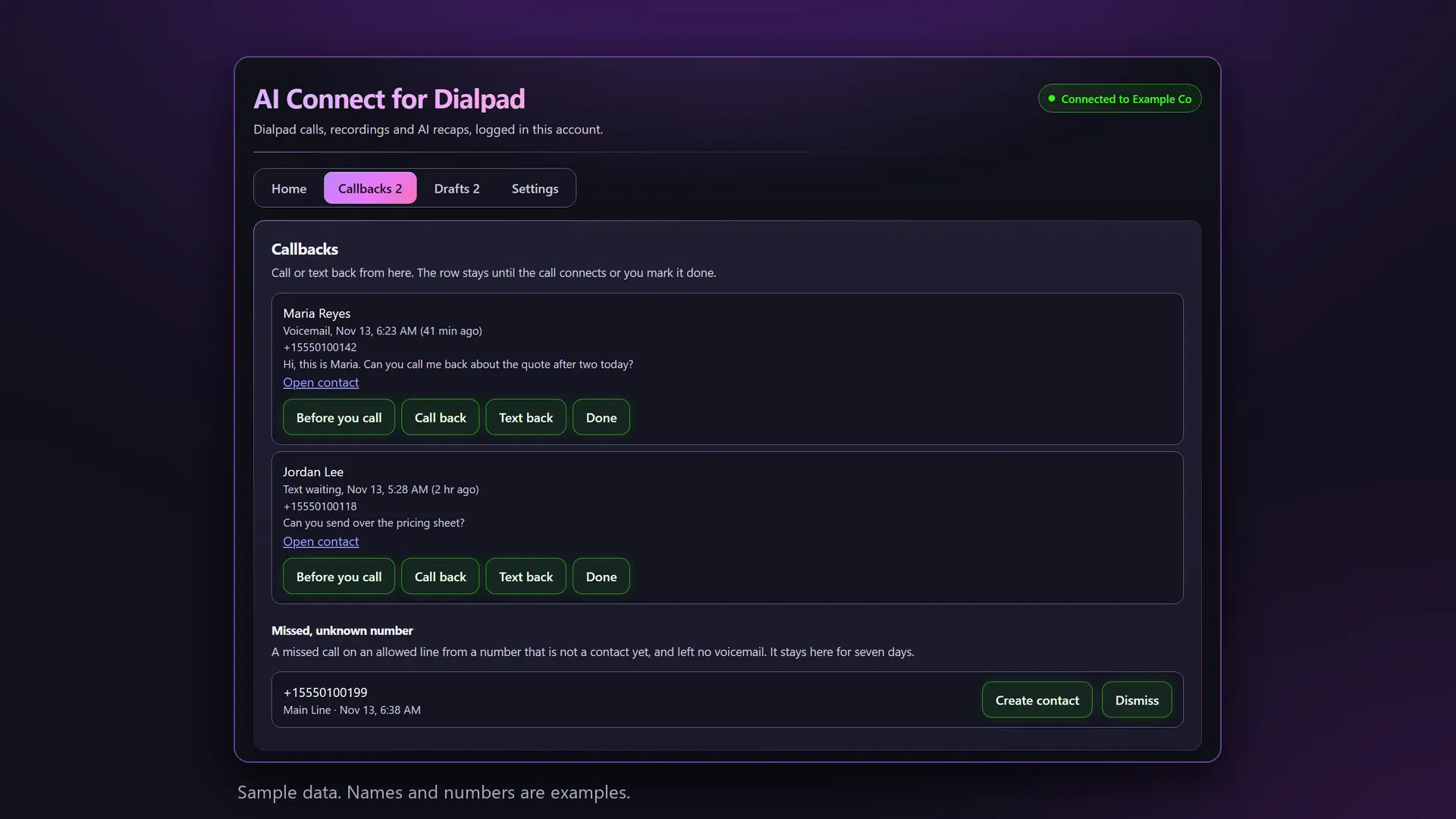
Nobody left waiting. Missed calls, voicemails and texts nobody answered land in one callback list with Call back, Text back and Done, so every lead gets a reply.
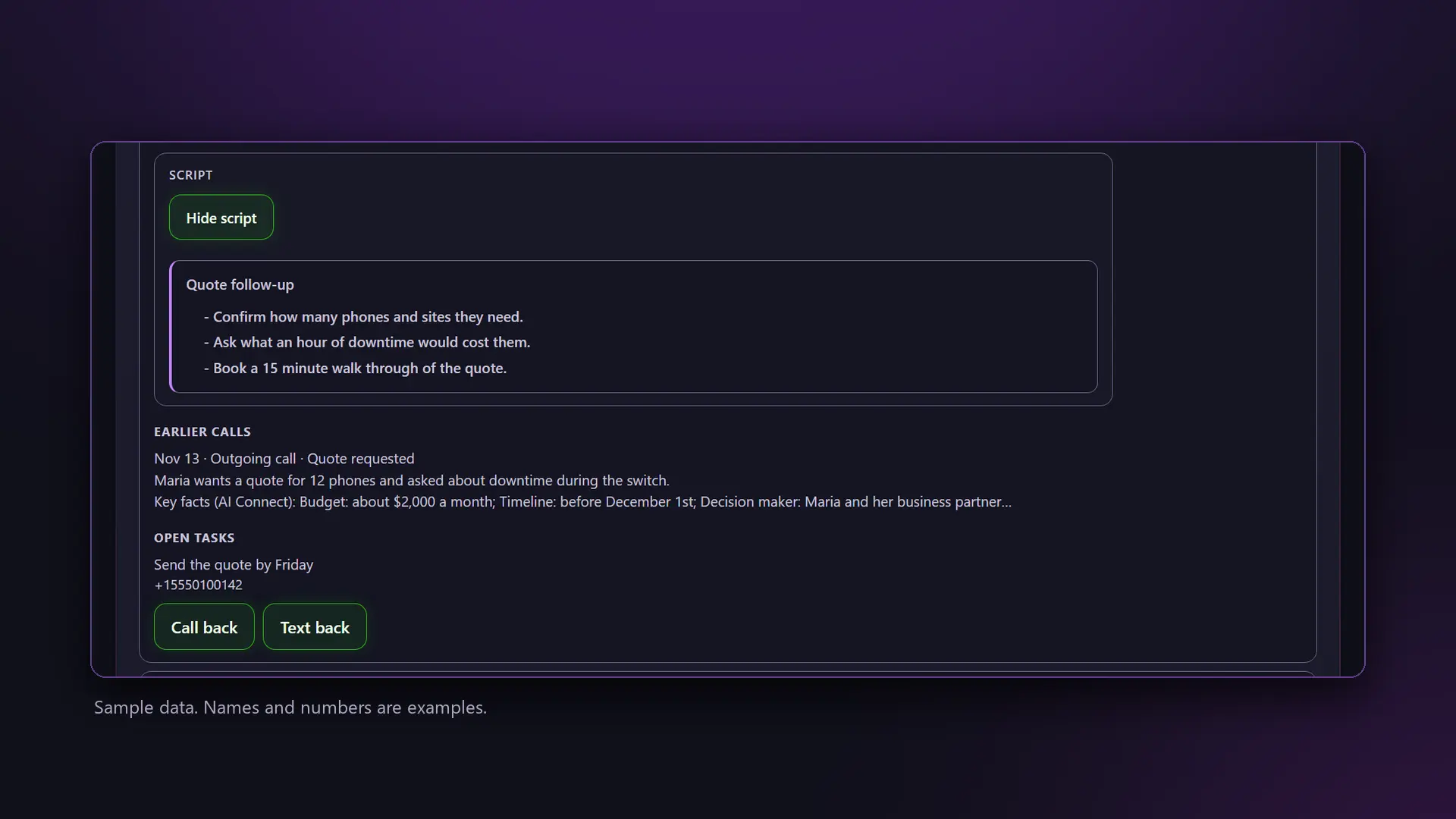
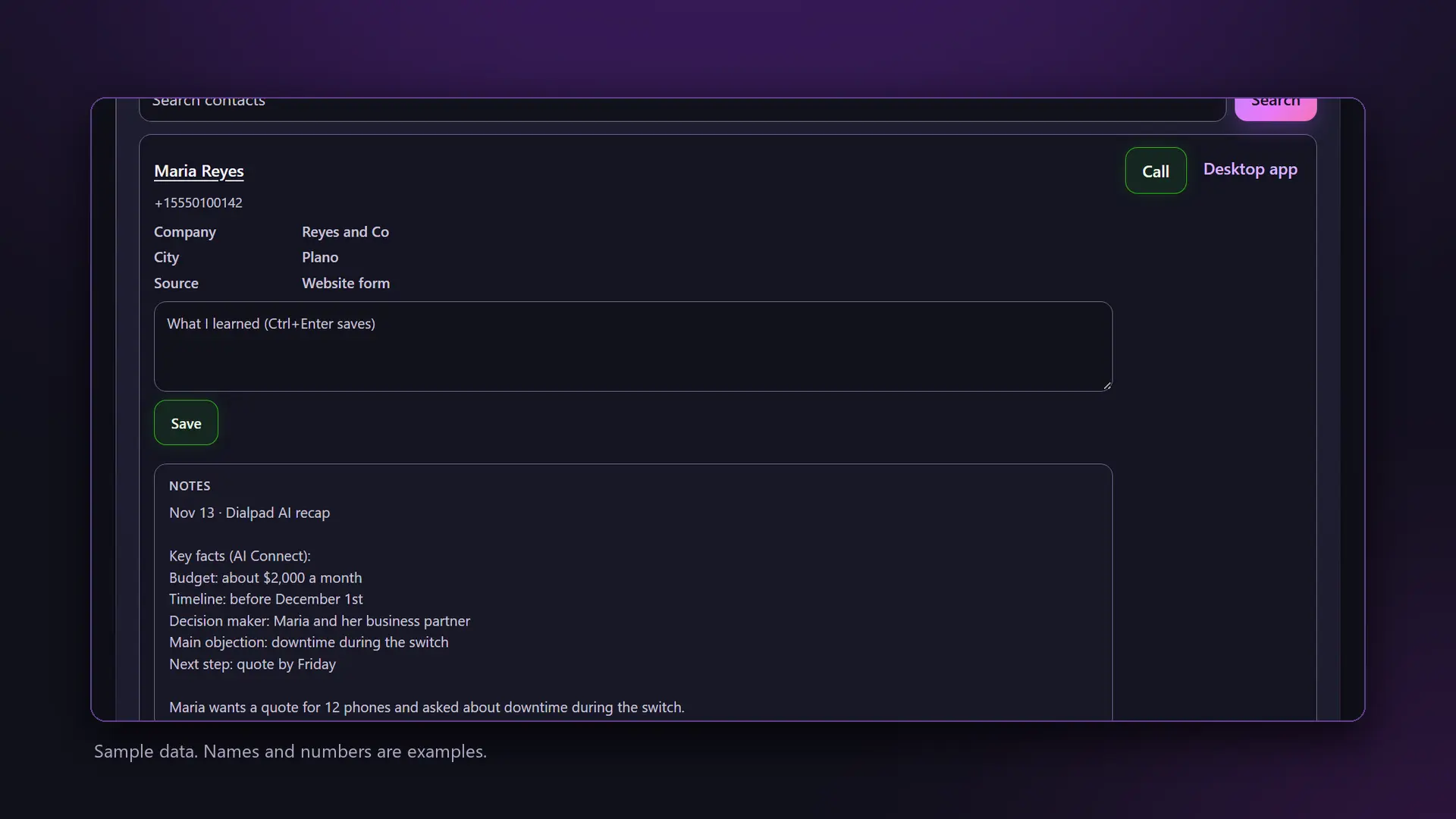
Know them before you dial. Open any contact in AI Connect and the Before you call card shows the fields your team picked, the latest notes, your call script with names filled in, the last three calls with their recaps and key facts, open tasks and any callback waiting. A What I learned box saves your own note to the contact.
Call and text from HighLevel. Click to call rings the rep's Dialpad. Two-way texting runs on your Dialpad numbers inside HighLevel conversations, from the account number or each rep's own number.
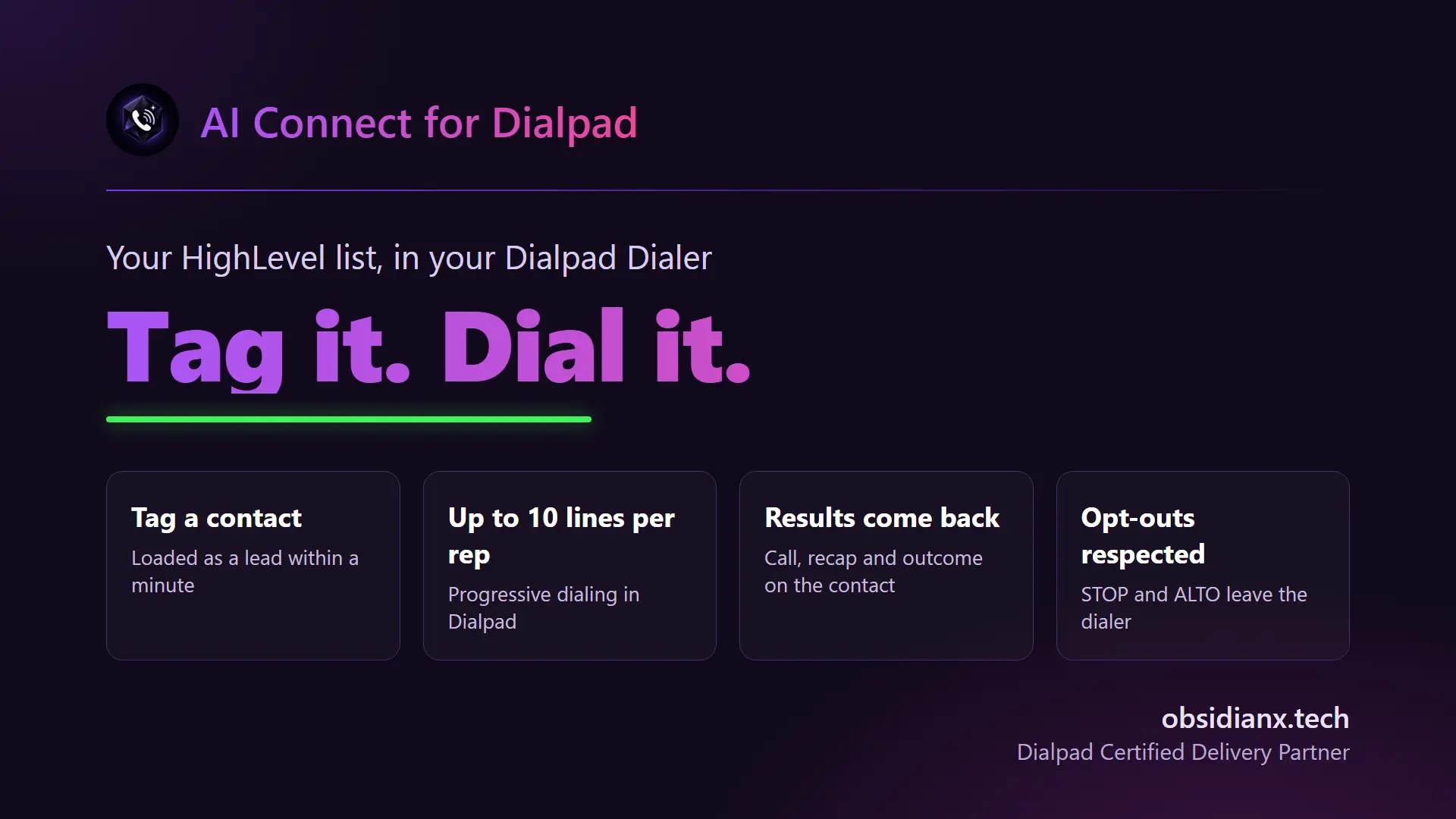
The Dialpad Dialer, fed by HighLevel. Tag a contact, bulk tag a smart list, or let a workflow add the tag, and the leads load into your Dialpad Dialer campaign within a minute. The Dialer can call up to ten numbers at once for each rep, leave your recorded voicemail when it reaches one, and ring only the live answers through. Every result comes back to the contact. The Dialer bridge uses Dialpad Support seats.
Compliance built in. STOP and plain-language opt-outs in English and Spanish sync to HighLevel do not disturb, texts can wait for quiet hours in the contact's local time, and a consent check runs before dialing contacts in states that require one.
Connect with Dialpad sign-in or an API key. Built, installed and supported by Obsidian X, a Dialpad Certified Delivery Partner. AI Connect support: 469.592.8204.
Services
Calls and AI on every contact
Calls, voicemails, recordings and Dialpad AI recaps log on the right HighLevel contact. On answered calls, AI writes the key facts, creates the tasks and can move the deal stage from the call outcome.
Follow-ups and callbacks
A follow-up text and email drafted from each call wait for the rep to review and send, and the email ends with the rep's name, email and phone. Missed calls, voicemails and unanswered texts land in one callback list.
Dialpad Dialer from HighLevel
Tag a contact, a smart list or a workflow and leads load into your Dialpad Dialer campaign. Up to ten lines per rep, voicemail drop and live answers only, with every result back on the contact.
Benefits
No more manual call logging
Reps stay on the phone instead of typing notes. The call, the recap and the tasks are on the contact before the next call starts.
Follow up while it is fresh
The text and email are drafted from the real conversation, so the follow-up goes out in minutes, not at the end of the day.
More conversations a day
The Dialpad Dialer works your HighLevel lists and only connects live answers, so reps spend the day talking to people.
FAQ
Yes. AI Connect runs inside a HighLevel sub-account and connects it to your Dialpad company. If you are not on HighLevel yet, Obsidian X can help you get started.
Each draft is written from the conversation on that specific call: what the customer actually said, the action items and the next step. It is not a template. The text and email wait in HighLevel until someone on your team reviews them and presses Send.
A Dialpad company admin connects AI Connect with Dialpad sign-in or an API key. Texting needs your Dialpad numbers registered for business texting (A2P 10DLC). The Dialer bridge needs Dialpad Support seats, a Dialer-enabled contact center and an API key with the Power Dialer scope.
One flat price per HighLevel sub-account with every user included: $99 a month, or $149 a month with the Dialpad Dialer. When your Dialpad comes through Obsidian X, AI Connect is free.
Obsidian X, a Dialpad Certified Delivery Partner, installs AI Connect, connects your Dialpad and HighLevel, and supports it after go-live.
No. AI drafts the text and email, and a person on your team reviews them and presses Send.
AI Connect for Dialpad
Dialpad calls, texts and the Dialpad Dialer inside HighLevel. AI turns answered calls and the Dialpad AI recap into key facts, tasks and draft follow-ups.
Media
Description
AI Connect for Dialpad joins Dialpad and HighLevel so answered calls become the next step on the right contact, without anyone typing it up.
Every call, on the right contact. Inbound calls, outbound calls and voicemails log on the HighLevel contact with the recording, the Dialpad AI recap and a transcript link. New callers get a contact made from their number.
AI that works the call for you. On answered calls, AI pulls the key facts from the transcript when they come up (budget, timeline, decision maker, objections, competitor and next step) and adds intent and risk tags. Action items become HighLevel tasks for the rep who took the call, and the call outcome can move the deal to the right pipeline stage.
Follow-ups already drafted. After a call with a next step, AI drafts the follow-up text and the follow-up email from what was actually said, not from a template. The email ends with the rep's name, email and phone. The rep reviews, edits if needed and presses Send. Nothing goes out without a person.
Nobody left waiting. Missed calls, voicemails and texts nobody answered land in one callback list with Call back, Text back and Done, so every lead gets a reply.
Know them before you dial. Open any contact in AI Connect and the Before you call card shows the fields your team picked, the latest notes, your call script with names filled in, the last three calls with their recaps and key facts, open tasks and any callback waiting. A What I learned box saves your own note to the contact.
Call and text from HighLevel. Click to call rings the rep's Dialpad. Two-way texting runs on your Dialpad numbers inside HighLevel conversations, from the account number or each rep's own number.
The Dialpad Dialer, fed by HighLevel. Tag a contact, bulk tag a smart list, or let a workflow add the tag, and the leads load into your Dialpad Dialer campaign within a minute. The Dialer can call up to ten numbers at once for each rep, leave your recorded voicemail when it reaches one, and ring only the live answers through. Every result comes back to the contact. The Dialer bridge uses Dialpad Support seats.
Compliance built in. STOP and plain-language opt-outs in English and Spanish sync to HighLevel do not disturb, texts can wait for quiet hours in the contact's local time, and a consent check runs before dialing contacts in states that require one.
Connect with Dialpad sign-in or an API key. Built, installed and supported by Obsidian X, a Dialpad Certified Delivery Partner. AI Connect support: 469.592.8204.
Services
Calls and AI on every contact
Calls, voicemails, recordings and Dialpad AI recaps log on the right HighLevel contact. On answered calls, AI writes the key facts, creates the tasks and can move the deal stage from the call outcome.
Follow-ups and callbacks
A follow-up text and email drafted from each call wait for the rep to review and send, and the email ends with the rep's name, email and phone. Missed calls, voicemails and unanswered texts land in one callback list.
Dialpad Dialer from HighLevel
Tag a contact, a smart list or a workflow and leads load into your Dialpad Dialer campaign. Up to ten lines per rep, voicemail drop and live answers only, with every result back on the contact.
Benefits
No more manual call logging
Reps stay on the phone instead of typing notes. The call, the recap and the tasks are on the contact before the next call starts.
Follow up while it is fresh
The text and email are drafted from the real conversation, so the follow-up goes out in minutes, not at the end of the day.
More conversations a day
The Dialpad Dialer works your HighLevel lists and only connects live answers, so reps spend the day talking to people.
FAQ
Yes. AI Connect runs inside a HighLevel sub-account and connects it to your Dialpad company. If you are not on HighLevel yet, Obsidian X can help you get started.
Each draft is written from the conversation on that specific call: what the customer actually said, the action items and the next step. It is not a template. The text and email wait in HighLevel until someone on your team reviews them and presses Send.
A Dialpad company admin connects AI Connect with Dialpad sign-in or an API key. Texting needs your Dialpad numbers registered for business texting (A2P 10DLC). The Dialer bridge needs Dialpad Support seats, a Dialer-enabled contact center and an API key with the Power Dialer scope.
One flat price per HighLevel sub-account with every user included: $99 a month, or $149 a month with the Dialpad Dialer. When your Dialpad comes through Obsidian X, AI Connect is free.
Obsidian X, a Dialpad Certified Delivery Partner, installs AI Connect, connects your Dialpad and HighLevel, and supports it after go-live.
No. AI drafts the text and email, and a person on your team reviews them and presses Send.